Player Spotlight – David Leach
“The Vision Behind the Space Where Friendships Grow”

Sometimes the most important contributions to a community aren’t the most obvious ones. Yes, courts matter. Yes, tournaments matter. But what truly sustains a community… is friendship. And David Leach understood that early on.
David and his wife Gloria first arrived at Venture Out from Minnesota, planning only a quick overnight visit with friends. One night turned into a week… and eventually into a home when they purchased their unit in 1989. What they didn’t know at the time was that they would become part of a story that helped shape the future of pickleball in the park.
David often reminisces about those early days and the incredible progression of pickleball in Venture Out. In the early 1990s, the game being played in the park wasn’t pickleball yet, it was paddle tennis, introduced by Gene Hurdlica, who worked hard to build four courts for the park.
One day during a paddle tennis match, Ewald Kunstle suggested a game he had played during summers in Washington; pickleball. Bob Robillard, Ken Beiberdorf, and Gene Hurdlica tried it, and the next morning they were back for more. Short one player, they asked David to join them… and from that moment on, he was hooked.
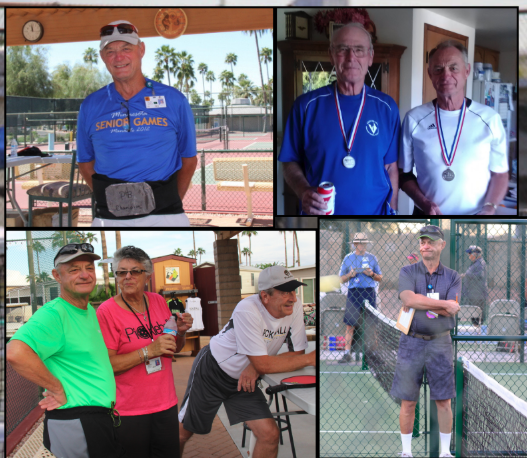
The beauty of it? Pickleball could be played on the same courts as paddle tennis, so the sport quickly began to take root right here at Venture Out. At the time, Venture Out was the only park in the East Valley playing pickleball. Earl Hill from Happy Trails in the West Valley got together with Ken Beiberdorf from VO club and the two of them set up the first fall tournament at Venture Out. David entered his first tournament with Dwight Deim, and together they won a silver medal. That experience deepened his love for the game and his commitment to helping it grow.
When tournament leadership transitioned from Ken Beiberdorf, the responsibility was passed to Steve Powell and David. Together they helped grow what became the well-known All City Tournament. Steve managed registration, courts, and logistics, while David served as Head Referee, training referees and ensuring matches ran smoothly.
David also knew something else that makes a tournament successful... good food. With help from neighbors Dick and Esther Jergens, restaurant owners from Iowa, the tournament became known not only for great play but also for great hospitality; serving up great burgers and meals.
As pickleball continued to grow throughout the East Valley, David and Steve also helped launch the East Valley Tournament, further expanding opportunities for players across the region to experience tournament play.
Pickleball quickly became something David and his wife Gloria shared together. Gloria often says she never had the opportunity to play sports earlier in life; but pickleball gave her that chance. And she embraced it fully. She and David competed in tournaments together, won medals, and Gloria became an excellent referee, helping train others alongside David.
As pickleball grew, so did the demand for courts. Four courts soon became six, and with much hard work, strategic negotiating and planning, eventually more were added as the park. The big vision eventually became creating a full 12-court complex in the northeast corner of the park.
During this time, David served on the Condo Planning Committee and became a key ambassador for the pickleball court project. Alongside leaders like Ralph Zagrzebski, Curtis Martin, Steve Powell, and Mike Creighton, the team studied layouts from other clubs to bring the best ideas back to Venture Out.
But David saw something that would become one of the most important features of our courts today. He saw the power of social connection. For years at the old courts, David had been the one cooking, hosting, and mingling with players and spectators. He witnessed firsthand how pickleball wasn’t just about the game; it was about the friendships forming around it. So when plans were being initiated for the new courts, David pushed strongly for something he believed was essential. A large social gathering space. Creating that space meant sacrificing one court; 11 courts instead of 12. But David believed it was the right choice, because courts bring people together to play... But spaces bring people together to connect.
Today that social area has become one of the most treasured parts of our pickleball community; a place where players gather between games, celebrate victories, laugh about missed shots, welcome newcomers, and build friendships that often last far beyond the season. David’s foresight helped create a space where the heart of our community lives.
David also served on one of the most challenging volunteer roles in the club... the player rating committee. Alongside Steve Powell and Curtis Martin, they worked hard to fairly evaluate and organize player levels as the club grew. It was not an easy job then, and it isn’t easy today. David is quick to express appreciation to everyone who stepped up to help with that responsibility over the years.
Words of Wisdom from David
“REMEMBER: Even when we can’t play anymore, this park will still be a place where people gather, connect, and build friendships, because that’s what creates a meaningful quality of life. So keep the bigger picture in mind: we’re not just building pickleball… we’re building the park.”
“Volunteerism is what makes our community prosper.
“Every step forward is hard...but worth it.
“Nothing is more important than love and friendship.
David Leach helped shape more than just the growth of pickleball in Venture Out. He helped shape the spirit of our community. His vision ensured that our courts would not only be a place to compete; but a place to gather, laugh, and build lasting friendships.
And that social space; where so many conversations, connections, and memories happen, is a direct reflection of that vision.
Thank you, David, for seeing the bigger picture and helping create a space where friendship and community will continue to grow for years to come.
PLAYER SPOTLIGHT – KATHY BLITGEN
The Power of Friendship, Voice, and Showing Up
This is a story about what happens when someone chooses to show up; not perfectly, not loudly, but consistently and with heart. It’s a story about friendship, and how friendship is built… not by waiting to belong, but by stepping in and contributing.
Many know Kathy Blitgen as the “Voice of Pickleball.” But long before the microphone, the announcements, and the organizing, Kathy simply showed up. She got involved, tried new things, and enjoyed being part of the community, and along the way, meaningful friendships took root.
Kathy and her husband Joe, both from Iowa, met while working together at John Deere. Kathy started at just 19 years old in the mailroom and, because she liked a challenge, kept raising her hand. John Deere sent her to IT school, and over a 30-year career, she worked her way from the mailroom to a Level 7 IT Analyst.
In 1988, Kathy and Joe were married. In 2005, friends invited them to spend a few winter months at Venture Out. Kathy, only 52 at the time, admits she was a bit unsure. Three months with “old people”? Living so close together? But something happened.
Very quickly, Kathy and Joe discovered what so many before them had learned; there is something magical about Venture Out. The closeness doesn’t shrink life; it expands it. It keeps people youthful. It creates joy. And after just six weeks, they bought a place, and Venture Out became their winter home.
Seeing all the opportunities at VO, Kathy and Joe made a bold and simple decision: try every club. One of those clubs was pickleball. For Kathy, pickleball was especially meaningful, because she never considered herself very athletic, but this was a sport she could play. And better yet, a sport she and Joe could play together. Kathy often tells others, “If I can do it, anyone can.” And she proved it. She competed for years in the All City and East Valley Tournaments, earning gold, silver, and bronze medals. She loved the game; but ask her what mattered most, and she won’t mention medals. She’ll mention people. Because for Kathy, pickleball was never just a game… it was her gateway to connection.
Kathy didn’t stay on the sidelines for long. And she didn’t wait to be asked. She jumped in.
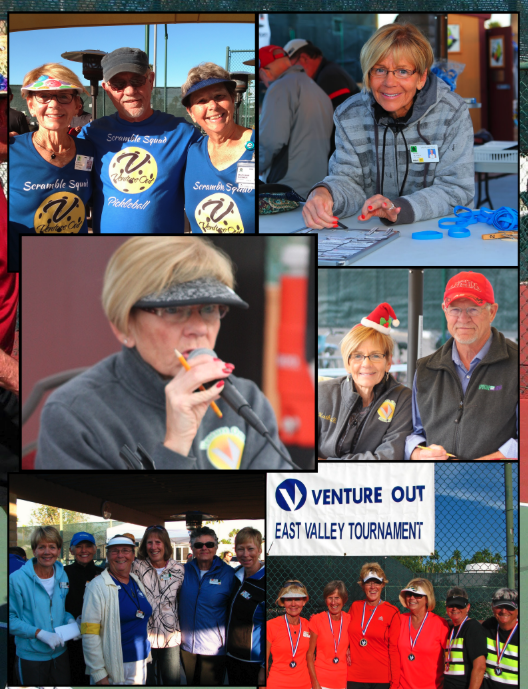
In 2008, she began helping with tournaments, working alongside Gary Johnson. It was Gary who gave her the nickname that stuck: “The Voice of Pickleball.” For years, Kathy announced matches, called out teams and referees, and brought clarity and calm to busy courts. Her voice became familiar, recognizable, and a signal that you were in the right place.
She also announced In-House Tournaments, the Firefighters Throw Down Tournament, and Saturday Scrambles, working closely with Steve Powell, Ernie Treichel, Doug Dyer, and many others. Kathy became a constant presence; steady, welcoming, and reliable. Belonging, after all, is built by those who keep showing up.
In 2008, Kathy took over Pickleball Membership, a role she still supports today. Over the years, it has allowed her to meet countless players, remember names (a gift she’s famous for), and help people feel seen from the very start. And perhaps this is where Kathy’s heart for friendship shows up most clearly.
For many summers, Kathy and Joe; and friends made through pickleball, have met up for Pickleball Summer Trips. Playing. Laughing. Staying connected. Because a life well lived isn’t lived alone. It’s shared.
She has refereed games, served as acting board secretary, and organized the Super Bowl Pickleball Fundraiser for many years. And thanks to her IT background, Kathy became a powerhouse behind the scenes. You may not know this, but she has built and managed Google websites for six clubs and still manages the Pickleball website today. She creates and sends Google Forms for voting, manages SignUpGenius for Saturday Scrambles, keeps Facebook updated with Scramble winners, and is the friendly face behind the admin and VO Pickleball Club emails; making sure everyone stays informed and connected. She shows us that friendship isn’t just about smiles on the court; sometimes it looks like systems, spreadsheets, and consistency.
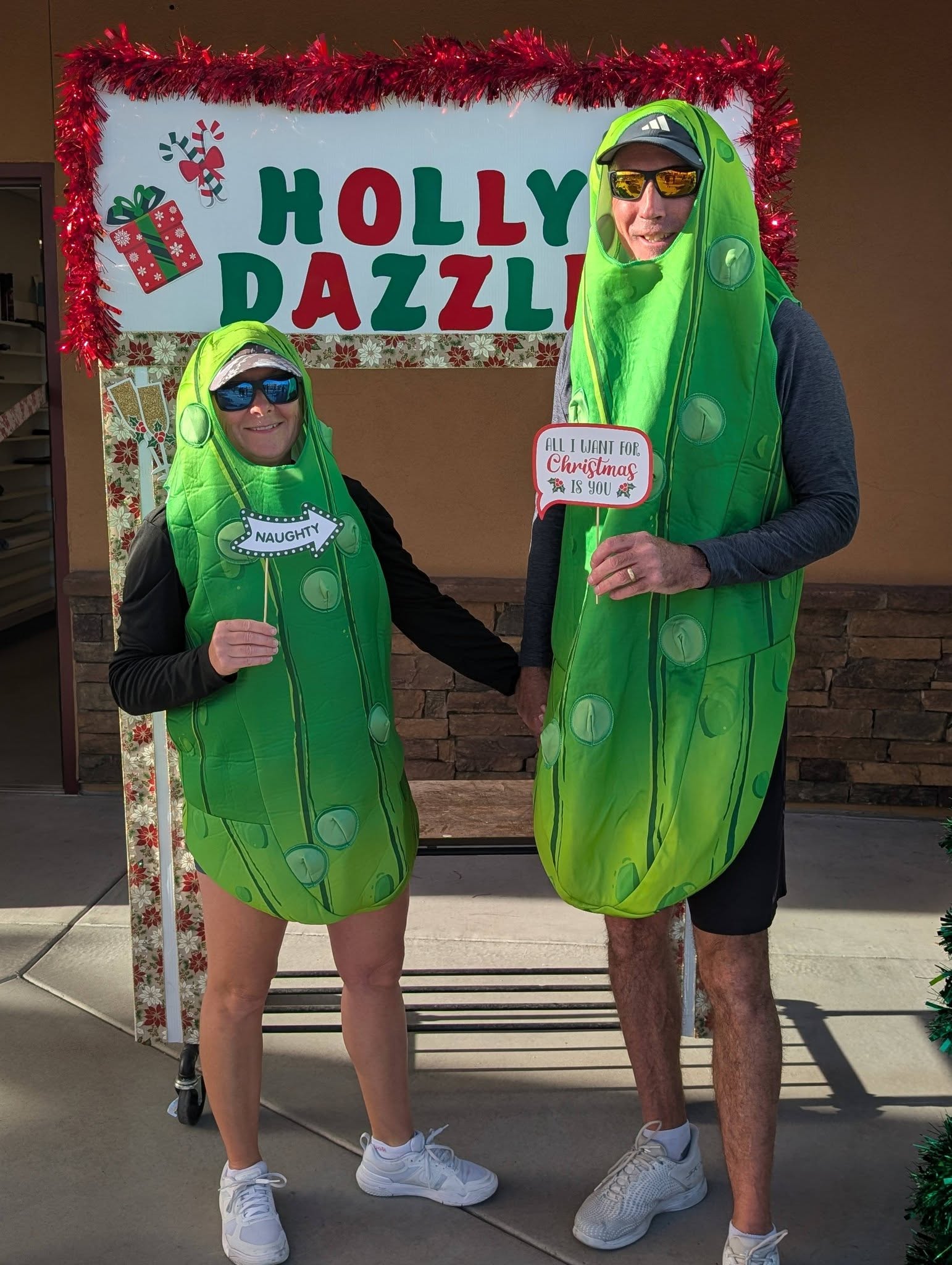
Then there’s one of Kathy’s most joyful roles; alongside Joe, as Mr. and Mrs. Claus each year. From her seat, Kathy gets a full view of the community… and yes, she knows who’s naughty and nice
Ask Kathy what she loves most, and she’ll tell you it’s contributing wherever she can, building community with like-minded people, and creating a space where it’s easy to be yourself. She feels lucky to be here and finds deep joy in giving back. She says this is a good life…because community is what truly matters.
One of her favorite places has always been behind the desk at Saturday Scrambles; organizing brackets, answering questions, and cheering people on. Especially new players; watching them grow, improve, win tournaments, and climb levels. That’s friendship in action.
Kathy’s Advice
- Get involved and volunteer as much as you can.
- Be courageous and put yourself out there; even if it feels uncomfortable.
- When you volunteer, you don’t just help; you connect, belong, and build friendships that last.
Thank You, Kathy
Thank you for your voice, your consistency, and your willingness to show up again and again. Thank you for being a friend, a cheerleader, and a steady presence who has made so many people feel welcome and seen. You have shown us what that looks like; day after day, season after season. Through your service, your encouragement, and your friendships, you’ve helped create the good life here at the Pickleball Club. And we are better because you showed up.
“When you give your time, your voice, and your heart, you don’t just build a club… you build friendships that last a lifetime.”
PLAYER SPOTLIGHT
Steve Powell - “Pickle Powell”
When Ambitious Wondering Meets Dedication
There are people who play the game… And then there are people who build the game.
Steve Powell, “Pickle Powell”, is one of those rare individuals whose curiosity, ambition, and willingness to step forward didn’t just shape his own experience at Venture Out… it helped shape the culture, momentum, and future of the VO Pickleball Club. This spotlight isn’t just about pickleball. It’s about what can happen when a person wonders what’s possible, and then does something about it.
Steve’s connection to Venture Out began long before pickleball courts buzzed with rallies and laughter. In 1985, he first arrived at the park to visit his parents, who had discovered Venture Out through other family members. What started as a visit quickly became a tradition. Steve and his siblings had so much fun at VO that they returned year after year - and that tradition continues with Steve’s sons, who have visited, entertained, and added to the life of the park for many years.
Back home in Sandpoint, Idaho, Steve was living the life of a driven entrepreneur, starting and growing a successful Beverage Distributorship through ambition, discipline, and vision. So when the time came to think about retirement, Venture Out wasn’t just a place on the map, it was already in his heart.
In 2000, Steve and his wife Bonnie bought an RV and headed back to Venture Out for the winter. They immersed themselves in the community, the clubs, the events.... and then something new appeared on the scene. ‘Pickleball’.
Bonnie was the first to try it. Steve watched. At first, it looked… different. But curiosity has a way of pulling you forward. After observing for a day or two, Steve decided it looked more fun than weird, and once he picked up a paddle, played the game, something clicked. He was immediately hooked.
Pickleball became a daily activity. Steve began playing in some of the early Arizona tournaments alongside partners like Dave Leach and Curtis Martin. At that time, pickleball was still new to the state, and thanks to early advocates like Ewald Kunstle and Earl Hill, the sport was gaining traction.
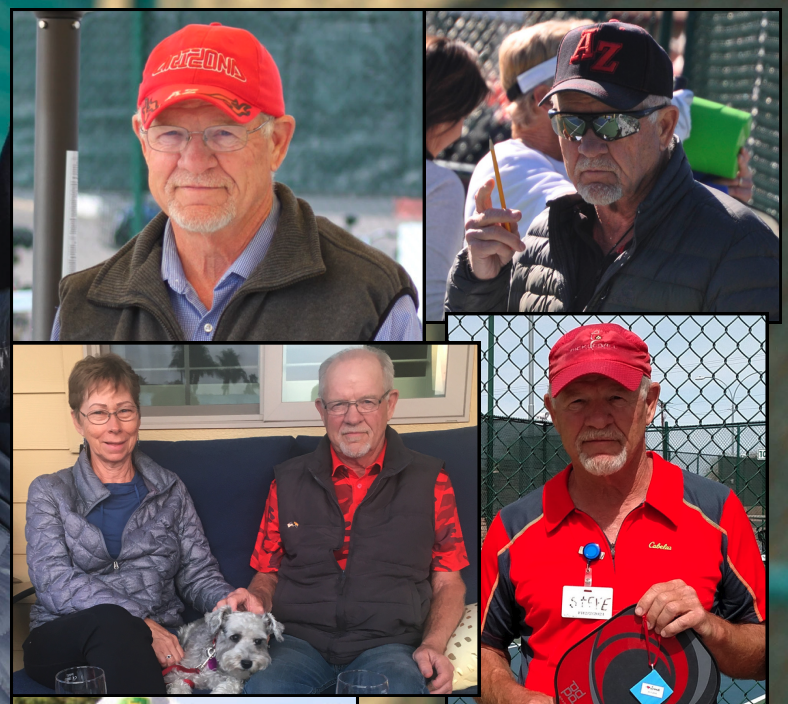
As the sport grew, so did the need for structure, leadership, and people willing to step up. The All City Tournament, founded by Ken Bebedorf and Earl Hill, became the preliminary tournament for the Arizona Senior Olympics. When Ken and Earl were ready to pass the baton, the tournament needed new leadership, and Steve and Dave Leach answered the call. They took on the role and ran the All City Tournament for 14 years, long before the convenience of modern tournament software. Brackets were created by hand. Systems were built as they went. Mistakes became lessons, and lessons became solutions. That’s the entrepreneurial spirit in action.
Steve also believed deeply in supporting the club from the inside. When he stepped into the Treasurer role, he modernized the club’s accounting, moving it from a small handwritten black book to a computerized system. He served faithfully for six years, helping strengthen the foundation behind the scenes. Because leadership isn’t always loud, but it is always essential.
Steve has been someone who wonders...asks the questions and finds the solution. His first question started with ‘What could we do to make more money for the VO Park?’ That question led to the creation of the East Valley Tournament, inviting surrounding Mesa parks to participate. Steve and Dave ran it for three years before handing it off to others, and now, today it continues under the leadership of Bill and Jean Flesch.
Then came another question ‘Would VO players enjoy an in-house tournament? The first year was small. New players were unsure. But the idea stuck. Today, the In-House Tournaments; Started by Steve, are something many members look forward to... which is proof that new ideas take time, patience, and belief before they grow.
In 2001, what we now know as the Saturday Scrambles became part of the VO Pickleball Club schedule. Before long, Steve was asked to take over organizing and hosting. And for 22 years, Steve has shown up Saturday mornings at 7:00 a.m. to set up, organize, and ensure everything runs smoothly. As the event grew, Kathy Blitgen stepped in to help, as have others, yet Steve’s commitment never wavered.
Why does he do it? Because he finds meaning in watching people have fun, and knowing he helped make it happen. That’s not just leadership. That’s heart.
In 2005, still wondering ‘What else was possible, ‘What could we do to add more fun?’ ‘What would attract more people and grow the club?’ Steve did some research and discovered the Pickleball Ladder. He gathered five players, tested it, demonstrated it, and invited others to join. Slowly, steadily, and intentionally, it grew. Today, the ladder is a thriving part of VO’s competitive play... another example of how one person’s curiosity can become a lasting opportunity for many.
Steve’s wisdom is simple and powerful:
- Get involved. Take a risk. Try something new. Jump in and help make it work. Be part of creating fun.
- Nothing happens overnight, but try anyway. Stay curious. Wonder often.
- Starting new things keeps people interested.
Thank You, Steve
Steve Powell, thank you for bringing your ambitious, entrepreneurial mindset to Venture Out. Thank you for seeing beyond the next game and into the bigger picture of building a club, a culture, and the VO Park. Thank you for your countless hours, your dedication, your curiosity, and your belief that fun is worth creating. Because of you, Venture Out Park is stronger, more vibrant, and more connected.
We appreciate you. We honor you. And we’re better because you wondered... and then acted.
PLAYER SPOTLIGHT
Gary Johnson
‘A Life Lived Through Connection, Commitment, and Community’
Some people show up to play. Others show up to connect.
Gary Johnson was the kind of person who believed...deeply...that life is better when it’s shared. Shared experiences. Shared laughter. Shared effort. Shared responsibility for one another. And everywhere Gary went, community followed.
Gary grew up in Minnesota, where he played football and learned early the value of teamwork, loyalty, and showing up for others. It was also there that he met the love of his life, Nancy. Early in their marriage, they made a powerful decision: to do life together. And they meant it. Whether it was tennis, racquetball, horseback riding, RV traveling.... and eventually pickleball, Gary and Nancy approached life side by side. Not as individuals pursuing separate interests, but as partners choosing connection again and again. That choice shaped everything that followed.
Their pickleball journey began in 1999, during a visit to cousins who had stumbled upon Venture Out while RV traveling. What started as a one-week visit turned into a month visit… and then into a beloved seasonal rhythm... RV, horse trailer, and all.
By 2004, Venture Out had become their winter home, a place Gary and Nancy would return to for many years. And it was here that pickleball became more than a sport, it became a bridge.
Gary learned the game from pickleball pioneers like Ewald Kunstle, Dave Leach, Curtis Martin, and Lilly and Ed Orlovsky, and once it captured his heart, there was no stopping him. When he returned home to Grand Rapids, Minnesota, Gary didn’t keep pickleball to himself… he shared it. Together with Nancy; and a growing circle of friends including the Snowdens, the Wagners, Wayne Thorson, and many others, Gary cleared space in Wayno’s Morton Building, built a court, and opened the doors wide. What started as a simple act of invitation became a movement. That court grew into what is now the Itasca County Pickleball Club, home to 200+ members and host of annual tournaments. Gary proudly collected a T-shirt from every tournament... not as souvenirs, but as symbols of connection. Because that’s who Gary was. If something brought joy, he found a way to share it, grow it, and invite others in. That’s community-building at its finest.
Gary loved playing pickleball with anyone. Skill level didn’t matter. Titles didn’t matter. What mattered was connection. That spirit showed most powerfully in his friendship with Wayne “Wayno” Thorson. They were loyal partners and dear friends. When Wayno’s mobility and age required him to slow down, Gary didn’t race ahead. He matched his pace. If Wayno couldn’t play in a tournament, Gary chose not to play either. Because to Gary, playing without his partner simply didn’t feel right. So together, they “retired” into Wally’s morning pickleball group; still playing, still laughing, still connected. That wasn’t sacrifice. That was character.
Professionally, Gary served as a Union Representative and Labor Negotiator, where he honed the rare ability to navigate difficult conversations with clarity, calm, and respect. He understood how to turn heated moments into productive dialogue where people felt heard and cooperation could emerge. That skill translated seamlessly into community leadership. Gary didn’t avoid tough conversations. He transformed them.
Gary believed deeply in volunteerism; not as an obligation, but as a meaningful contribution. When something mattered, he stepped forward. He served six years on the Condo Board, first as Vice President and then as President, and contributed on key committees such as Planning and Compliance. In every role, Gary brought his gift for negotiation, his calm leadership, and his commitment to guiding important decisions that helped shape the future of the park.
That same steady leadership carried into the pickleball community. Gary also stepped up as President of the Pickleball Club, leading during pivotal seasons of growth; including key negotiations around the development of new courts. He didn’t just support the community… he helped build it. That’s volunteerism in action.
Wherever help was needed, Gary raised his hand. He often said: “Volunteerism is the backbone of community. It’s giving of yourself to your neighbor, expecting nothing in return... except knowing you helped build something that matters.” And he lived that belief.
Gary also played a pivotal role in tournament leadership. He volunteered alongside Steve Powell for the All-City Tournament; handling registrations and brackets when everything was still handwritten on paper. He helped guide the transition to computerized systems, and eventually, the baton was passed to Gary.
For nine years, Gary served as Tournament Director for both the All-City Tournament and the East Valley Tournament; leading with organization, patience, and people-first leadership. Gary wasn’t just running tournaments. He was building trust and contributing to something bigger than himself.
Gary had a gift: he made people feel seen. Everyone was a friend. Everyone mattered. He had time, attention, and genuine interest for anyone who crossed his path. His message was simple and consistent: Get involved wherever you are. Community doesn’t build itself; we build it together.
In 2024, Gary and Nancy packed up once more; this time heading to St. Cloud, Minnesota, to be closer to their four children and grandson. They travelled, spent time with family, played pickleball together, and; just as they always had, began building new friendships and community wherever they landed. Gary lived what he loved. Until his very last breath.
Gary’s legacy lives on through the values he shared:
“Community is individuals connecting. Take care of one another. Work intentionally to encourage connection. Doing things together brings people together.”
Thank You, Gary Johnson, thank you, for your time, your leadership, your presence, and your heart.
Thank you for reminding us that community doesn’t happen by accident, it happens because people like you choose to connect, to serve, and to care. Your impact lives on in every handshake, every rally, every conversation, and every community you helped build.
You are missed. You are honored. And you are deeply appreciated.
CURTIS MARTIN
A Leader On and Off the Court!
If you've ever played or watched a game at Venture Out, you may have seen Curtis Martin in action— either as a fierce competitor or a keen observer of the game. What you might not know is the immense role he played in shaping the Pickleball community we all love today. It’s an honor to share the story of this humble leader.
In 1976, at just 25 years old, Curtis—a firefighter from Seattle, Washington—visited his parents in Venture Out and immediately saw the magic of this community. He knew then that one day, he would retire here. Over the years, his family, with cousins, siblings, and even his aunt made their way to Arizona and Venture Out as their winter home.
While Curtis initially spent much of his time on the tennis courts, he soon followed in his father Richard’s footsteps and became hooked on Pickleball. When his father tragically suffered a heart attack on the courts, Curtis took solace in knowing that his dad had passed doing what he loved most. To this day, Curtis keeps the net and poles from that unforgettable day as a tribute to his father’s passion for the game.
By 2008, Curtis and his wife Susie had made Venture Out their home, and his passion for sports—tennis, baseball, and, of course, Pickleball—became a daily routine. You could always spot him riding his bike to a game somewhere in the park.
As the Pickleball Club rapidly grew, it became clear that more space was needed. With 400 members playing on just six courts, congestion and noise concerns created challenges that needed a solution. Determined to contribute, Curtis stepped up, ran for the Pickleball Club board, and became President. His mission? To lead the charge in expanding and relocating the courts for the benefit of the entire community.
Working closely with Dave Leich and Steven Powell, they visited other parks to gather insights and develop solutions for expansion. Together, they designed a new court layout, but finding the right location remained a challenge. Initially, they considered the space currently occupied by motorhomes and the recycling area, but noise concerns led them to rethink their approach.
Eventually, a new plan took shape near the existing tennis courts. Courts 10 and 11 were the first to be built, with a promise to construct a noise-reducing wall to address concerns. However, during a crucial sound test, they discovered that once they reached the bocce ball area across from the fountain, the pickleball noise was no longer audible. Demonstrating this to the Social Board and residents allowed them to adjust their approach—ending the need for a full-length wall. Today, the original section of that wall still stands beside Courts 10 and 11, a lasting testament to their commitment to balancing growth with community needs.
As with any big endeavor, there were challenges. But Curtis never backed down. He encouraged others to take ownership of concerns, always asking, “If you don’t like it, let’s figure it out!” He credits much of the club’s success to a strong collaboration between the Pickleball Club, the Condo Board, and a General Manager who recognized the sport’s potential to bring more people to Venture Out. He humbly insists that he was simply in the right place at the right time, but anyone who knows the history understands the vital role he played.
Curtis served as Pickleball Club President for three years, during which he formed committees, recruited board members, and updated bylaws to support the club’s continued success. Under his leadership, he and his board successfully oversaw the construction of two new courts, laying the foundation for the club’s future growth. Their efforts set the stage for the dedicated work of the presidents and board members who followed, leading to the completion of the remaining nine courts in just a few short years.
Curtis is quick to highlight the contributions of others, particularly Dave Leich, who championed the creation of the large social area—ensuring that pickleball would always remain about more than just the game. Thanks to their collective vision and determination, we now enjoy the incredible pickleball complex that serves and benefits the entire community.
As a leader on the court, he was one of the club’s top players, competing at the 4.5-plus level and sharing his knowledge as an advanced coach. His strength was in analyzing play styles and helping others elevate their game. His love for the sport remains strong, and today, one of his favorite sights is watching players ride their bikes, paddles in backpacks, heading to the courts—just as he did for so many years.
Curtis’ Tips for the Game:
- Think about your next shot before you make it.
- Slow the game down by staying one move ahead.
- A good shot doesn’t have to be a hard shot.
- The goal isn’t always to win the battle—it’s to win the war.
His Encouragement for the Future:
- Volunteer. A great club doesn’t just happen—every effort counts.
- Show appreciation. Thank those who contribute and let them know they’re valued.
- Find your way to give back. Whether through leadership, coaching, or community-building; your contribution matters.
Thank you, Curtis, for your leadership, dedication, and the lasting impact you’ve made on the Venture Out Pickleball community. We see you, we appreciate you, and we are grateful for all you have done to build and strengthen this club!
Ewald Kunstle – The Man Who Brought Pickleball to VO Mesa
In the spirit of connection and community, the VO Pickleball Board had the idea to spotlight members of the VO Pickleball Club—and who better to start with than Ewald Kunstle, aka "Mr. Pickleball".
Ewald’s love affair with the sport began years ago in the Seattle area, where he first spotted a group playing what looked like "ball tennis" at a health club. Curious, he picked up a wooden paddle, gave it a shot, and was instantly hooked. Armed with a $17 paddle and a few 5-cent balls, he was off and running—or rather, dinking and volleying.
Pickleball quickly became his passion, and before he knew it, “Life was Pickleball.” He’d even drive 50 miles just to get in a game!
Bringing Pickleball to VO Mesa
In 1993, Ewald and his wife; Hannelore, packed up their motorhome and headed to Arizona for the winter—and, of course, more Pickleball! But when they arrived, they were surprised to find that no one was playing. A few people at VO Mesa were into Paddle Tennis, but Pickleball? Unheard of.
That changed when Ewald introduced six players to the game (Ken Biberdorf, Bob Robbilard, Lilly Orlovsky, Ed Orlovsky, Gene Hrdlicka, David Leach). And just like that, history was made.
What started as a small group of 6 playing on two courts quickly grew into a thriving community, drawing players from Idaho, Washington, and Arizona for friendly competitions. VO Mesa’s Pickleball scene exploded, and Ewald was at the heart of it all.
But it didn’t happen overnight. Bringing the game to Arizona took tenacity. It meant countless conversations, negotiating for space, and pushing hard to gain recognition for a sport he knew had the power to bring people together.
His strategy to establish the game in Arizona was both simple and brilliant—travel to other states, compete in tournaments, and invite those same teams to Arizona to play.
That effort paid off. As more players came to VO Park, many took the game back to their home communities, spreading Pickleball like wildfire. What started as a passion became a movement. The sport advanced even further—to an outright addiction!
A True Competitor & Champion
Ewald’s passion for the game took him far. He played frequently with Bob Robbilard, and together they never placed lower than Silver in senior tournaments. Their partnership was built on skill, strategy, and a whole lot of fun.
Ewald laughed as he recalled their friendly rivalry, still with that competitive fire in his voice:
"Bob could play with either hand, but Bob couldn’t beat me with either hand!"
Beyond the competition, it was the camaraderie, friendships, and pure love for the game that made it all worth it. His shed is filled with an incredible number of medals and trophies—each one a reminder of the journeys, the battles won, and the lifelong friendships forged on the court.
Ewald himself reached an impressive third-place national ranking in the Men’s Senior Division, competing in men’s doubles, mixed doubles, and singles. He believes Pickleball will be in the Olympics within two years—and if Ewald says so, we believe it!
Ewald’s Pickleball Wisdom
- "Good Pickleball isn’t about the paddle—It’s the hand behind it."
- "Hit the ball where the other guy isn’t."
- "Always stay behind the ball."
- "Aim for your opponent’s backhand."
- "Target the weaker player."
His final advice? "Keep the game alive!"
Thank you, Ewald, for building a legacy that continues to grow. Because of you, Pickleball at VO Mesa is stronger than ever!

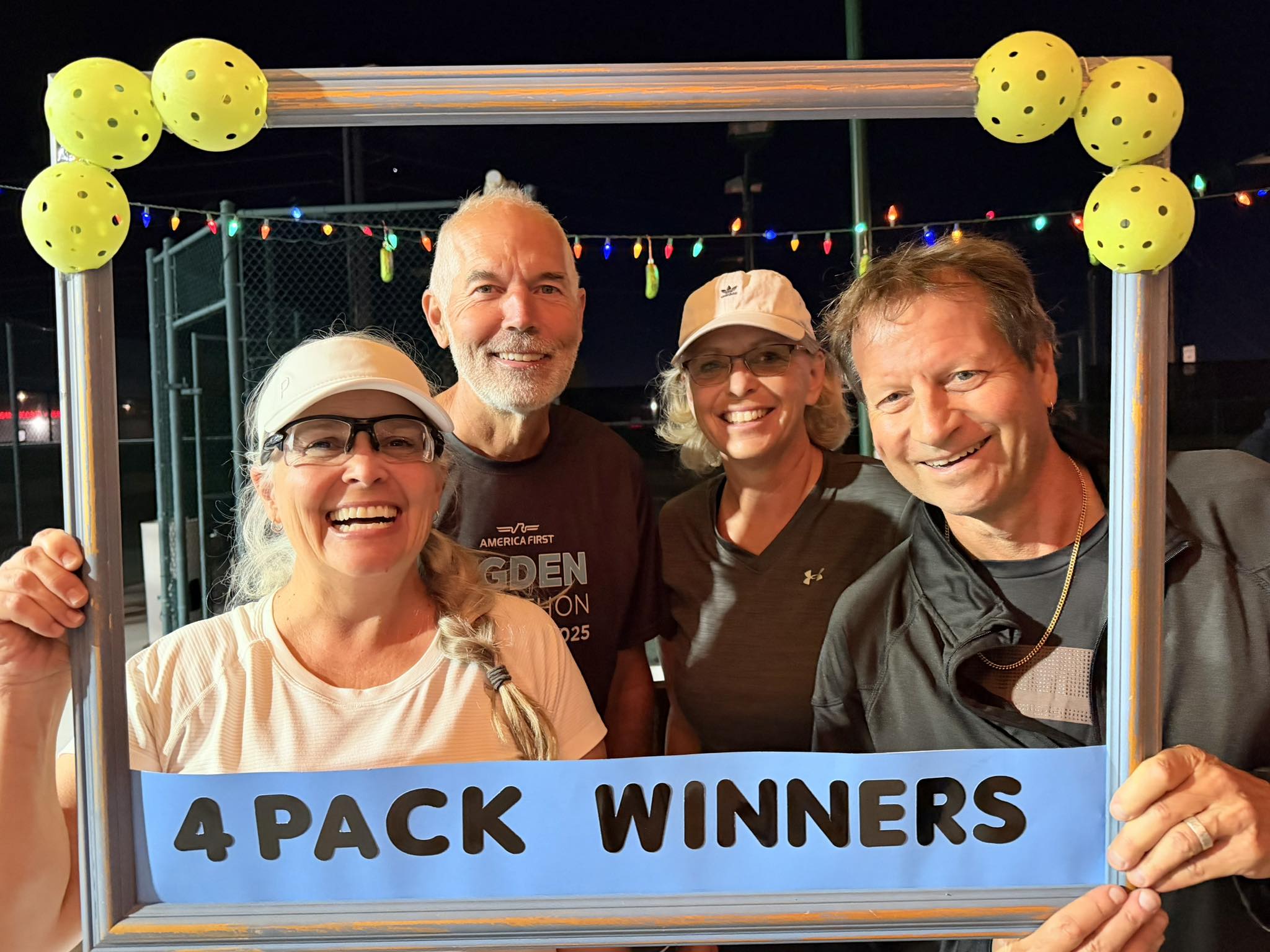
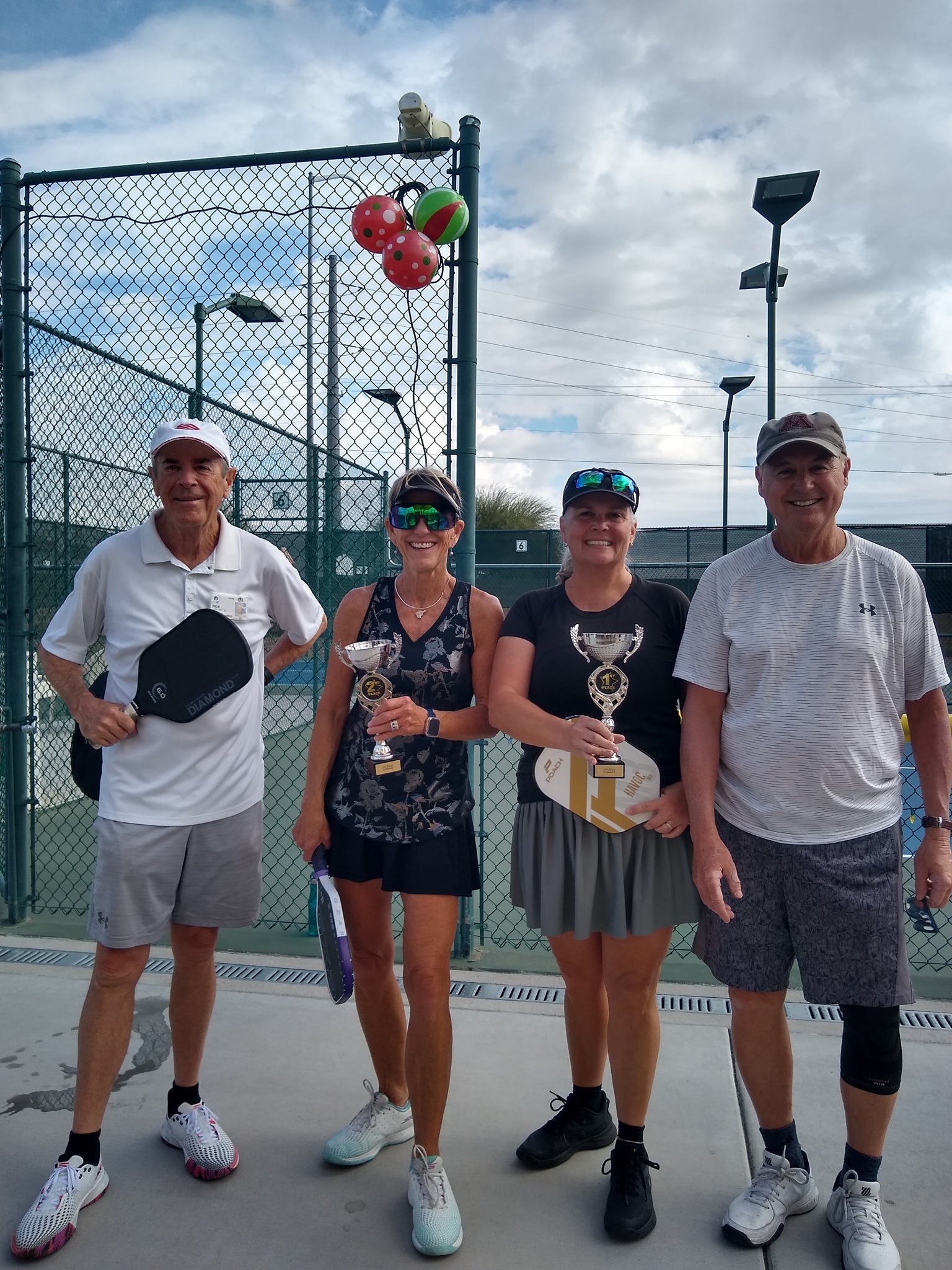
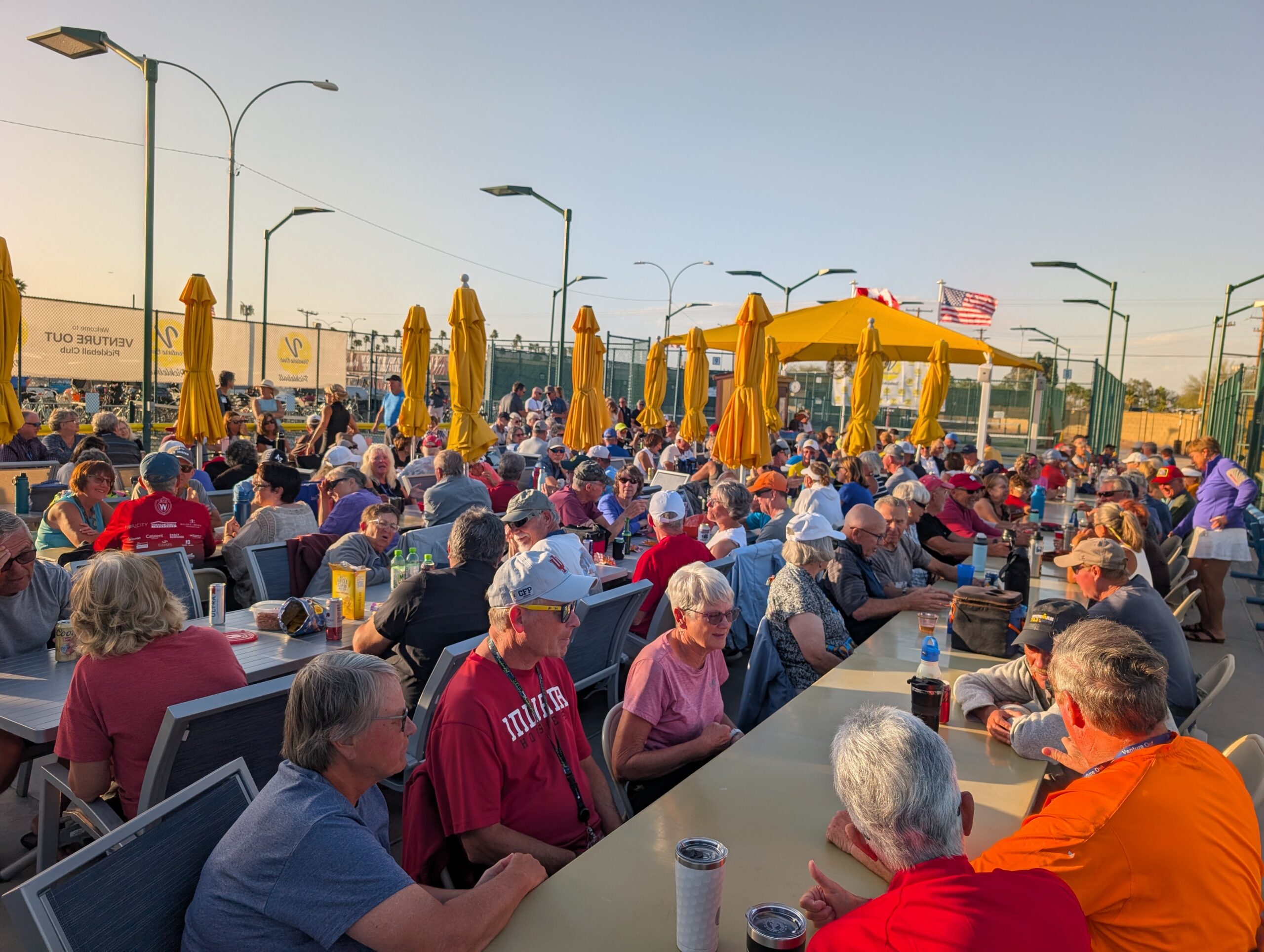
Social Round Robins Weekday play within your skill level
Social Round Robins
Members receive invitations through SignUpGenius. Social Round Robins are held on weekdays.
Score Sheets
After confirming the number of players in your group, pick up the appropriate Round Robin score sheet from the Pickleball Clubhouse.
Format
Games are limited to 15 minutes of play.
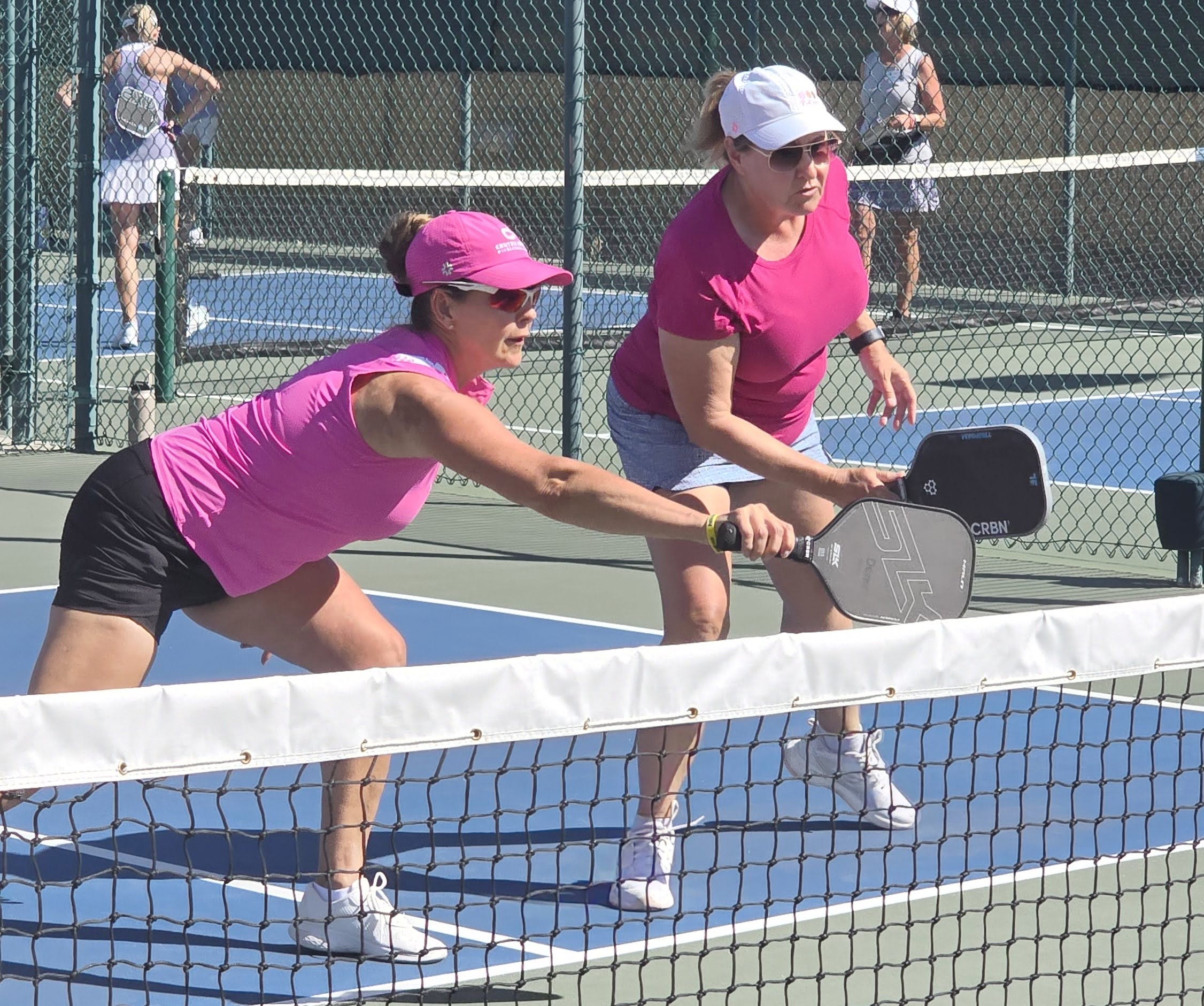
Players are mixed within their skill level, allowing everyone to play with and against a variety of members.
Plan for approximately two hours of total play time.