
Electronics Club
CLUB INFORMATION
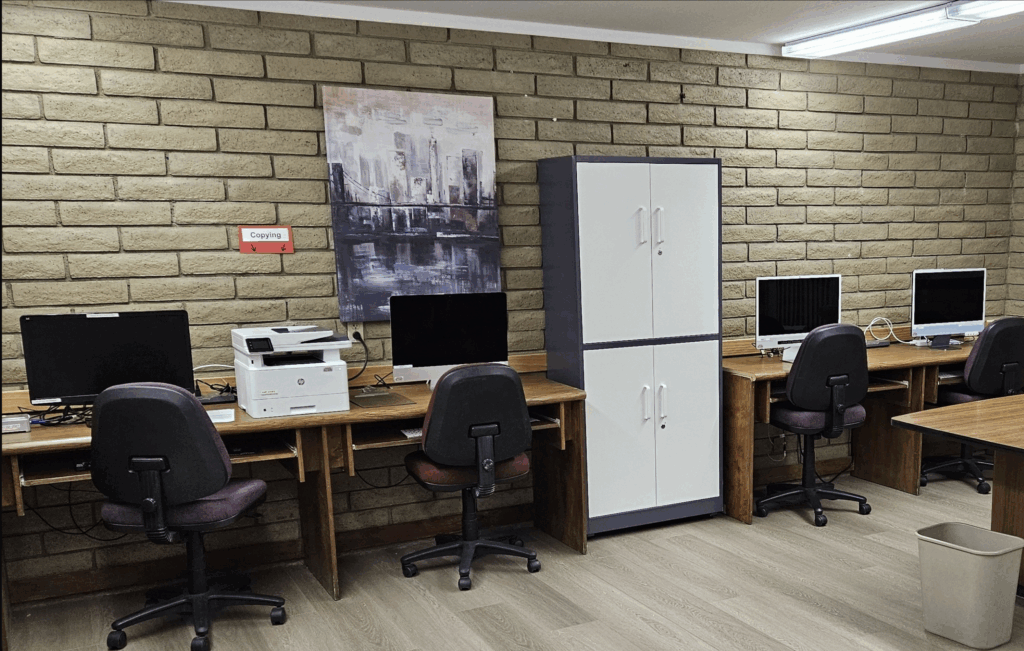
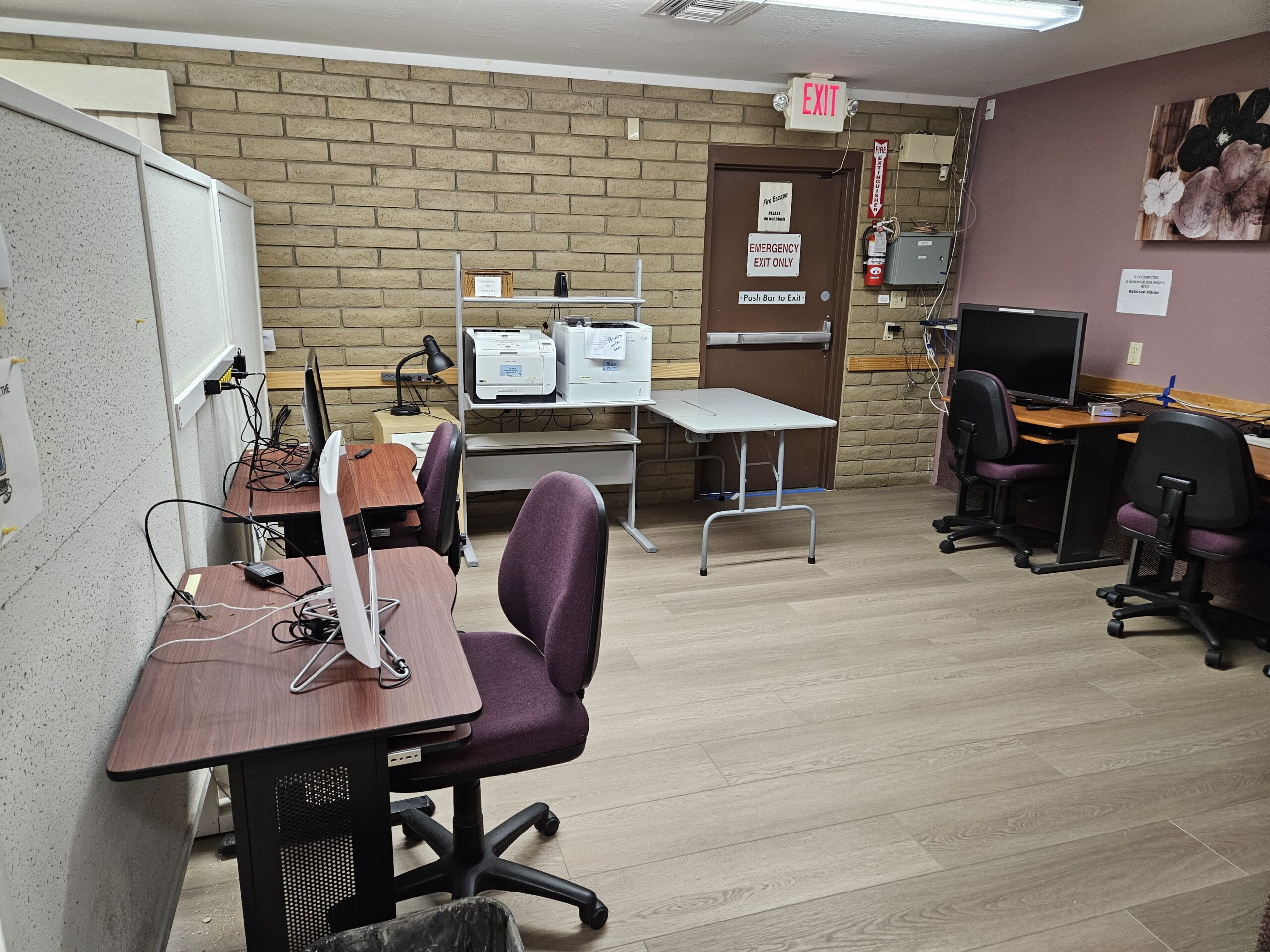
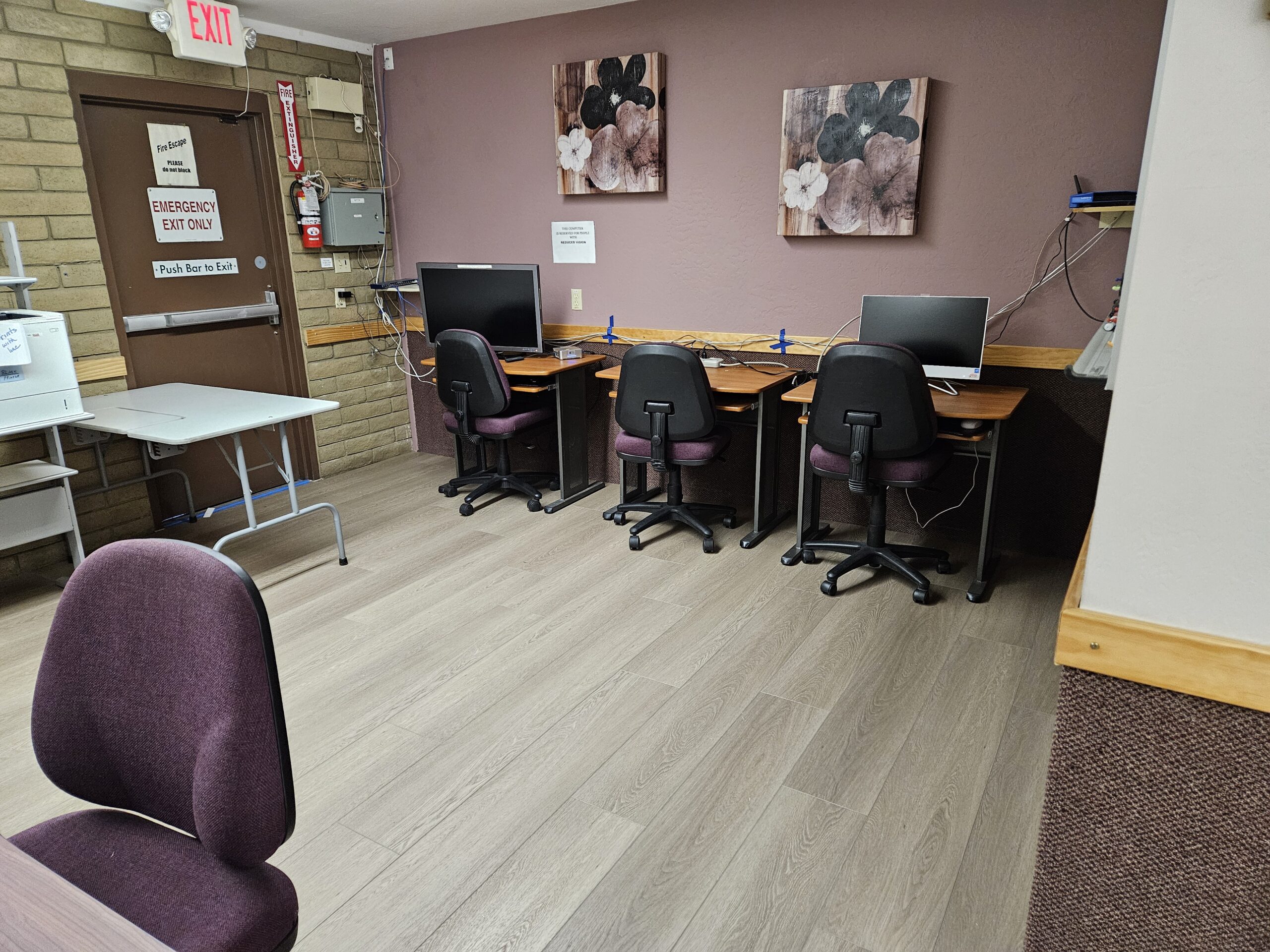
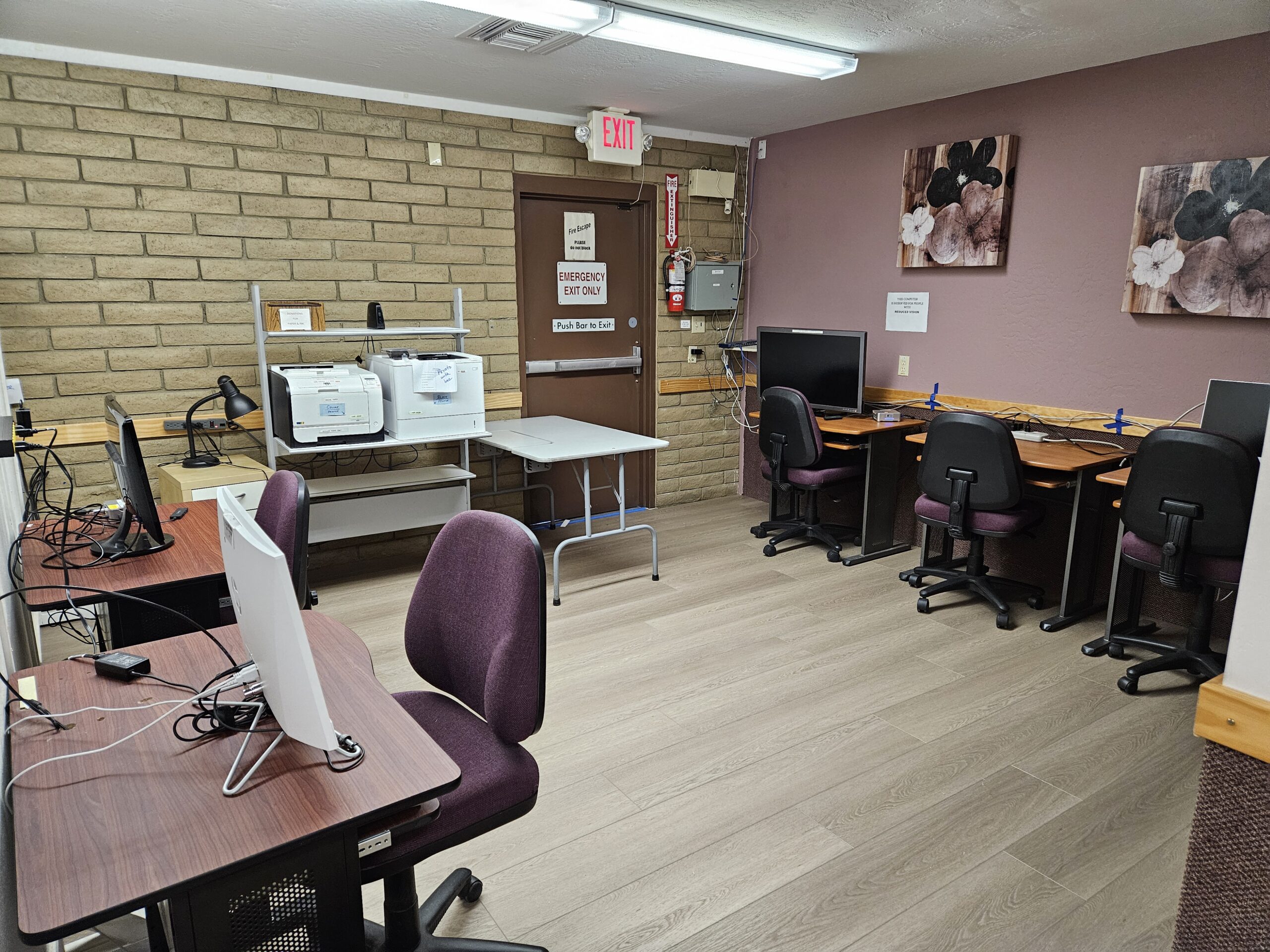
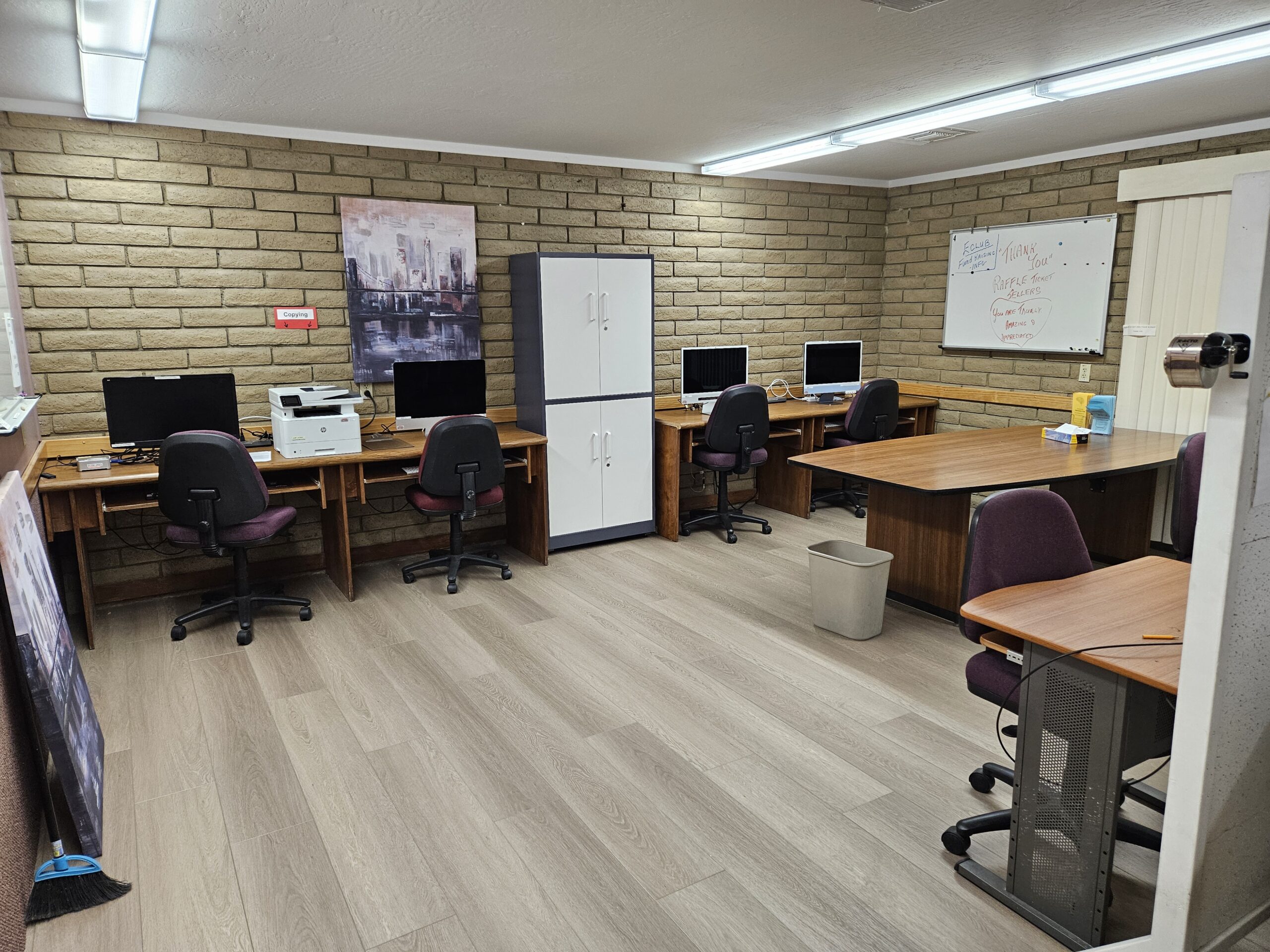
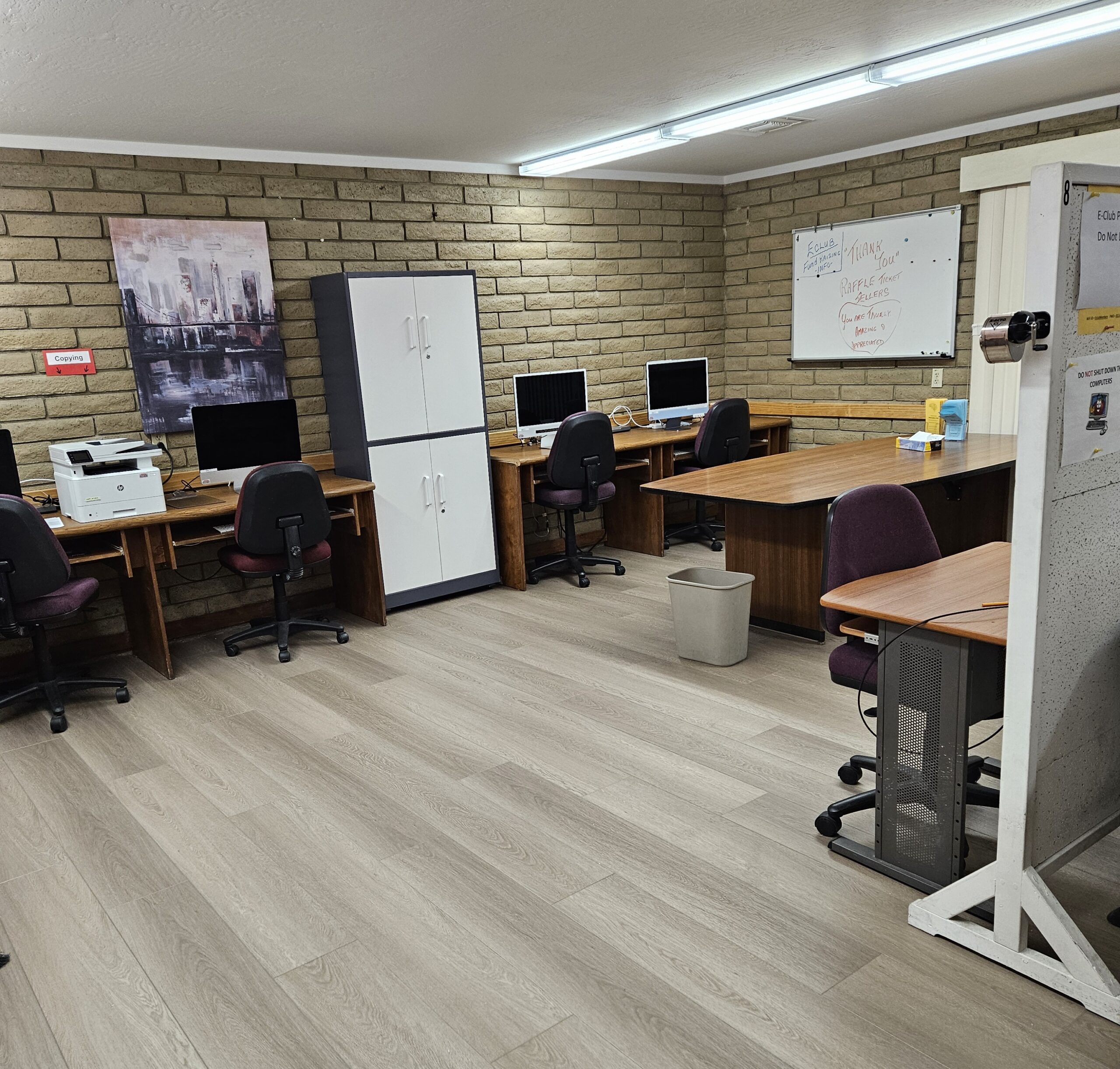
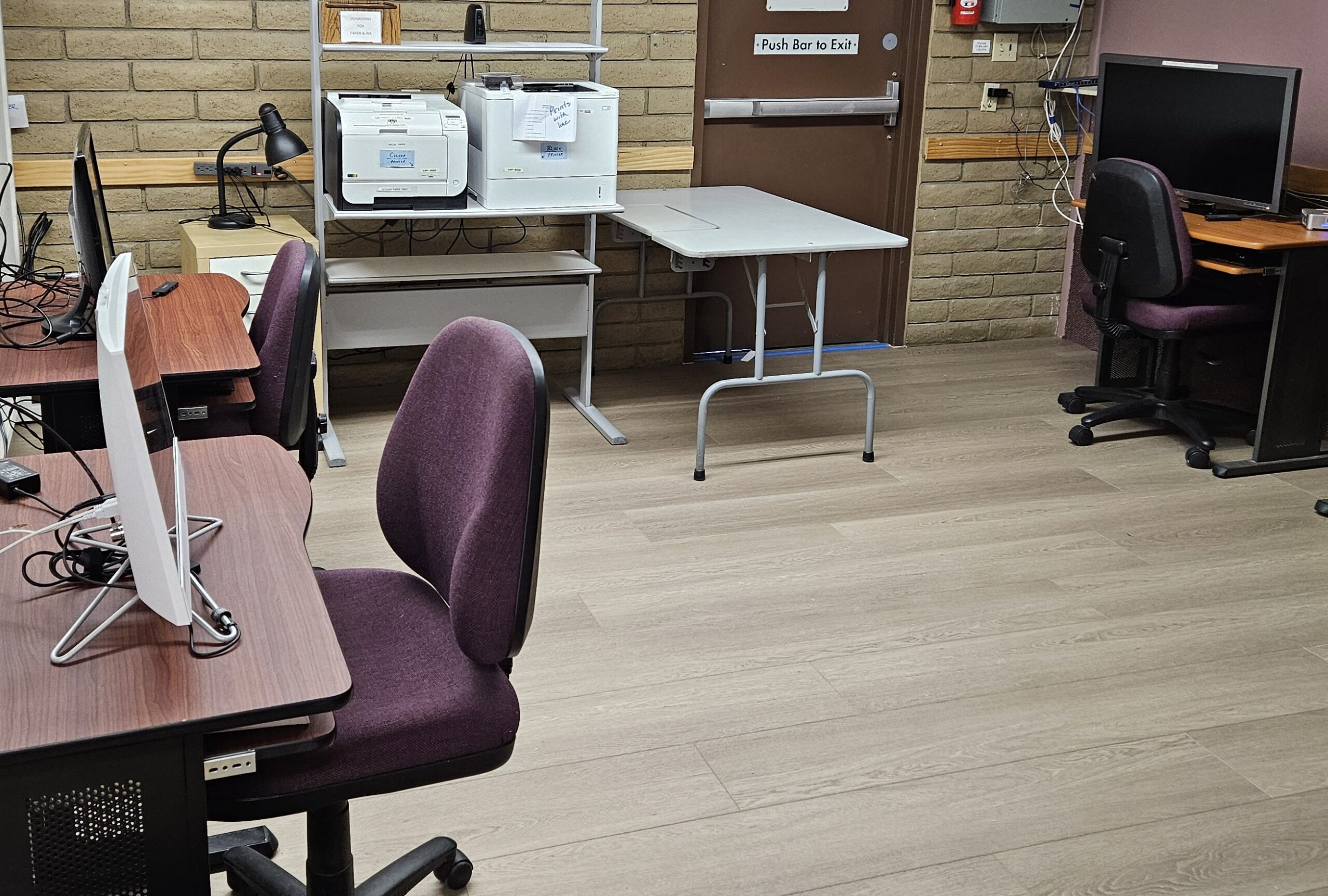
The Electronics Club encompasses both a computer section and ham radio section. Both sections offer special facilities, as well as training through classes and seminars. (See the Amateur Ham Radio Club page for more information about about the Ham Club) Members have access to PC and Mac computers, extensive software, color and black and white laser printers, scanners, high-speed Internet with a secure Wi-Fi connection, and more.
Monitors are available to assist with simple tasks and help members sign up for more hands-on assistance for cell phones, tablets, and computers. Light technical support is provided to Electronics Club members only.
Technical support is NOT available to non-members. MEDIA CONVERSION LAB – “Saving Your Memories” The Electronics Club Media Conversion Lab trains and supports VO residents to convert older media to digital format
• You Do The Work The Media Conversion Lab is self-serve We train you to use the equipment
• Media Conversion Lab Capabilities We can convert: o Paper documents o Photos o Slides o Film strips and Negatives o 8mm and Super 8 analog video o VHS/VHS-C/SVHS tapes o 8mm/Hi-8/Digital-8/Super-8 tapes o Audio cassettes o If your media isn’t listed above, talk to us. We can probably make it work.
Announcements and News
The EClub facility will be closing April 30th. There will be no monitors to assist after March 30th.
The EClub facility is now open for members to use between 6AM and 9PM.
Membership Registration is now closed and will reopen next season.
• It is imperative that you have your Venture Out identification badge with you whenever you are in the Electronics Building. Your badge will grant you access via the badge reader at the entrance to the building and lets the Monitors know that you are a member.
Events & Fundraisers
The Electronics Club has no more events or fundraiser this season. Please check back in December for events for January through March 2027.
Meetings
EClub Officer Meetings are held the second Tuesday of each month between November and April starting at 10:10 am in the Oasis. Everyone is welcome to attend these open meetings.
Club Leadership
Club Officers
Nephi Williams, President
Rich Kantak, Vice President
Cheryl Aquin, Secretary
Bob Laubach, Treasurer
Club FAQs
If I am not a member, can I still attend a class?
Answer: Yes, the non-member fee is an additional $10 for the class and is due upon registering for the class.
Are the Tech Talks free?
Answer: The Eclub allows all VO Residents to attend Tech Talks but asks that non-members donate a small amount to attend.
Are Presentations Free?
Yes, all presentations are free to all VO residents. These presentations are high level discussions and are not meant to go into the same level of detail as the Tech Talks or Classes.
Can I get weekend photocopies if I am not a member?
Answer: If a Monitor or Club Member is available, they may be able to assist you with getting copies even if you are not a member. Since the Electronics Building is not staffed, we can’t guarantee that someone will be able to assist. There are suggested donations for copies made for non-members. Local merchants such as Stapes, FedEx, UPS, Walgreens, CVS, also provide copying services.
What can be done in Media Conversion Lab?
Answer: For Club Members, we can show you how to convert: • Paper documents • Photos • Slides • Film strips and Negatives • 8mm and Super 8 analog video • VHS/VHS-C/SVHS tapes/DVD • 8mm/Hi-8/Digital-8/Super-8 tapes • Audio cassettes • If your media isn’t listed above, talk to us. We can probably make it work.
Where can I sign up for a Class?
Answer: You can complete a form and deposit the class fee in the Eclub Building. If you are not a member, you will need to either visit during membership enrollment (M-F 9 am – 10 am) or ring the buzzer. Eclub Monitors are often available at other times during the day and evening to grant access to complete the form.
Additional Questions
Question: If I am not a member and don’t have access to Computer Lab or printers, is there somewhere local that I can use a computer and print documents?
Answer: The Red Mountain Mesa Public Library (635 N. Power Road, Mesa AZ 85205- Power Rd just North of University) offers free Wi-Fi, free Outgoing Faxes, and Computers. Printing from the computers is available as well. As of 11-25-25, the library has 44 computer stations. Printouts cost $0.20 per page for black and white, and $1.00 per page for color. The machine accepts coins (other than pennies), $1, $5, or credit/debit cards. The Mesa Express Library machine only accepts credit/debit cards. You will need a Mesa Library Card, or you are limited to a 15-minute Express computer. A Mesa Library card is free, but you will need to provide evidence of residency (Acceptable forms of address verification may include a recent, postmarked piece of mail, vehicle or voter registration, utility bill, or any legal document with the current address.) Otherwise, you can register a library card for a $40 annual fee. For more information, see the Mesa Library Website under About, Computers & More.
Question: I would like to support the Eclub by volunteering. What opportunities are there for volunteering?
Answer: There is a need for individuals to act as Monitors. Monitors welcome visitors to our club, explain what we have to offer and if they cannot answer questions concerning the equipment, make reference to someone who can. The benefit of being a MONITOR is that we provide short workshops to help you become more knowledgeable. This benefits both the MONITOR and the people who visit our facility. There is a need for technical operators to assist with more technical issues experienced by the members. We have some great volunteers but could always use additional individuals with technical backgrounds to assist with issues related to cell phones, tablets, laptops, desktops, and printers. If you have experience with Windows, macOS, iOS, Linux, Chromebooks, Modems, Routers, or Printers, your expertise is needed.
Question: What equipment is available to use in the Eclub facility?
Answer: There are Mac’s, Windows PC’s, Black and White Printers, Black and White Copier in the Computer Lab area of the facility. The Media Lab has equipment to capture videos from various sources, including VHS, Beta, 8 MM, and handheld cameras. Photo scanners are also available to scan several photos at a time or a photo feeder that can handle many more photos at a time.
Question: Can members send and receive faxes in the Eclub facility?
Answer: Yes. The cost is $1.00 per page, excluding the header page, to send or receive faxes. A MONITOR can assist with faxing.
Question: What are the differences between Presentations, Tech Talks, and Classes?
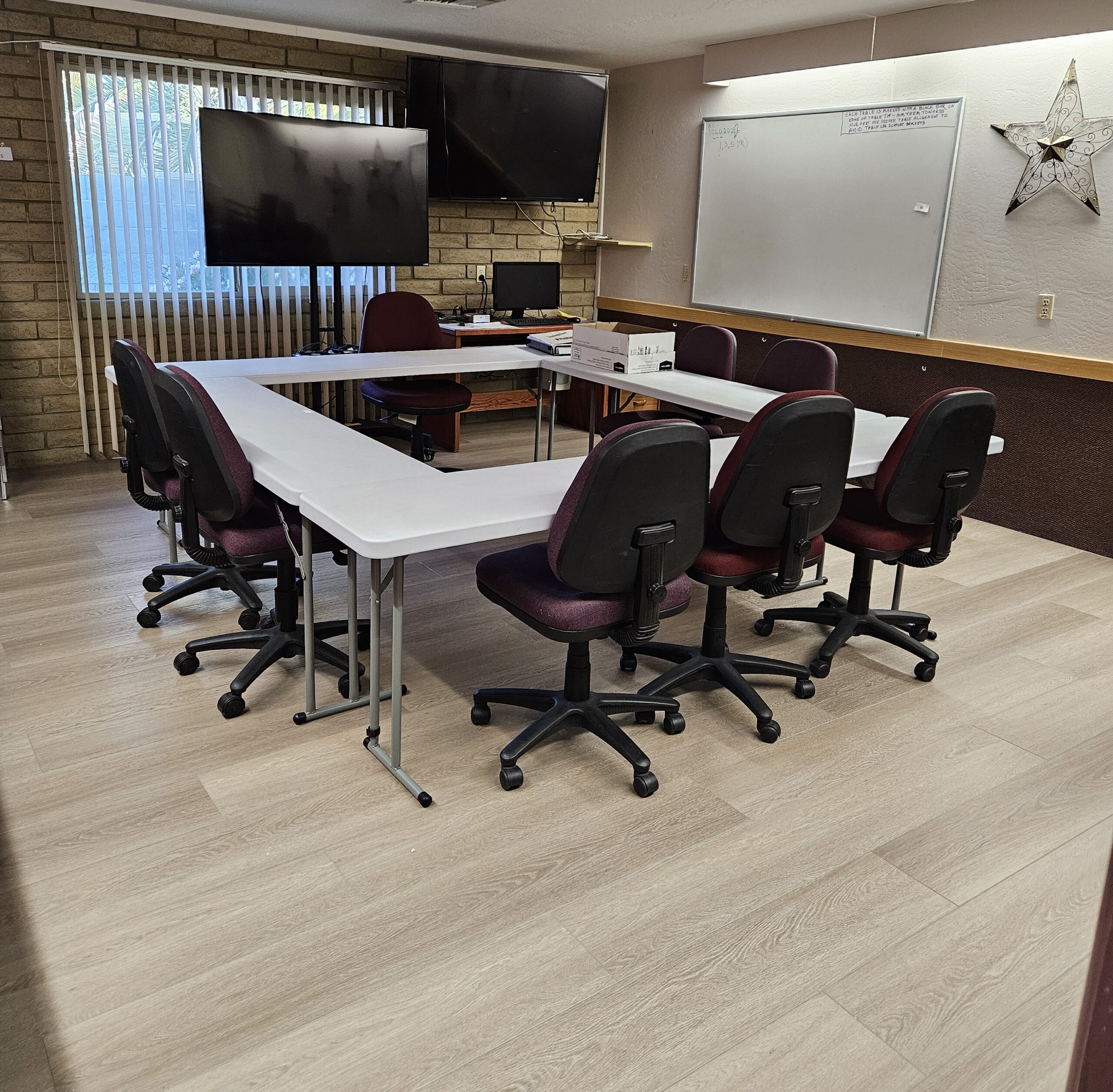
Answer: Presentations are lecture style presentations usually in the Oasis, broad subject range, minimal Q & A and are free to all residents. Tech Talks are brief one-hour basic overviews of a Tech topic, free to member and available to non-members for a small donation, can be more hands-on with Q &A, and are usually every Wednesday from 3:30 – 4:30 in the Eclub classroom. Classes are in-depth training, classroom environment, with students bringing their own devices to learn, usually 1 – 2 separate days of 90 minutes of instruction. Cost varies by class and number of days. Ordinarily $20 for members and $30 for non-members.
Question: If I have a question about the club, how do I reach out?
Answer: The Eclub can be contacted by emailing: admin@ventureouteclub.com or stop by the Electronics Facility – Building “N”, across the courtyard from the Oasis.
Question: I have volunteered for the Enchilada Dinner, is there a document that tells me what my responsibilities will be? Answer: Under Club Rules and Documents, there is an Enchilada Dinner Task document. Search the document for your task and detail responsibilities.
Club App and Dues
Dues
Membership fees:
• $25/season Single
• $40/season Household (2 people, same address, registering together)
• $5/week Temporary/Guest membership
Fees can be paid by cash or check (Check made to out to Venture Out Social Club).
Club Rules & Docs
Please Read
It is imperative that you have your Venture Out identification badge with you whenever you are in the Electronics Building. Your badge will grant you access via the badge reader at the entrance to the building and lets the Monitors know that you are a member.
Printing Fees
Printing, copying, and faxing prices are posted in the Electronics Club.
Club Song
Club Docs
Authorized club leaders may submit updates using the form on the Clubs page.
To view other clubs or groups, please return to the Clubs page.
This Club’s page was last updated Mar. 27, 2026