Good news, current property owners can now self-register for the ventureoutmesa.com website.
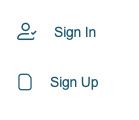
If you are a current VO property owner and have not signed up on the new ventureoutmesa.com website yet, you can do it yourself. Just follow the steps below and allow the Admin Office 2 business days to review your request. At this time, we do not have a process that allows us to register renters.
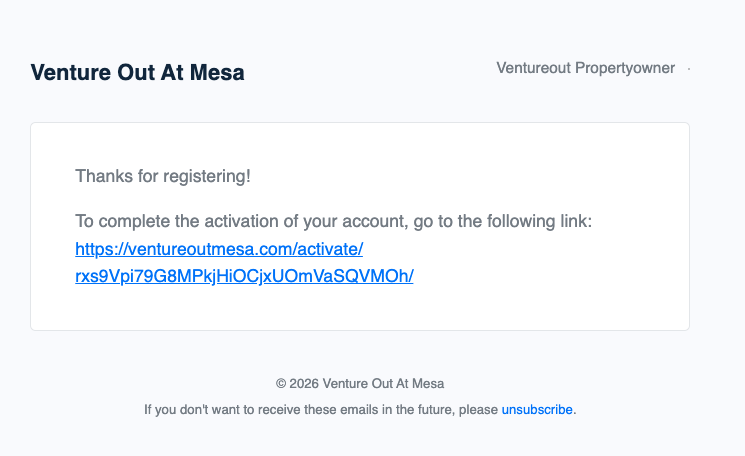
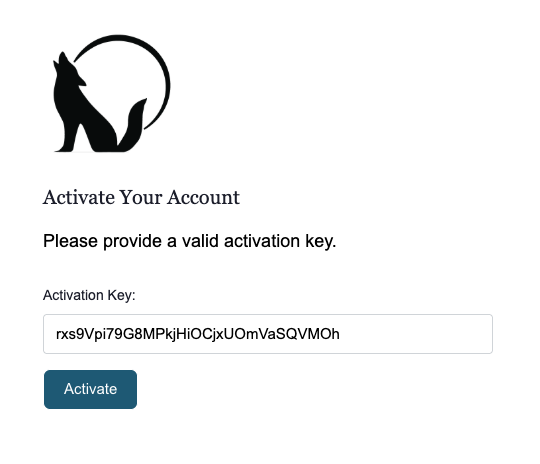
Once you click the link (pictured in Step 2), you will see an activation key has already been added, just click ACTIVATE
This step confirms you are a real person
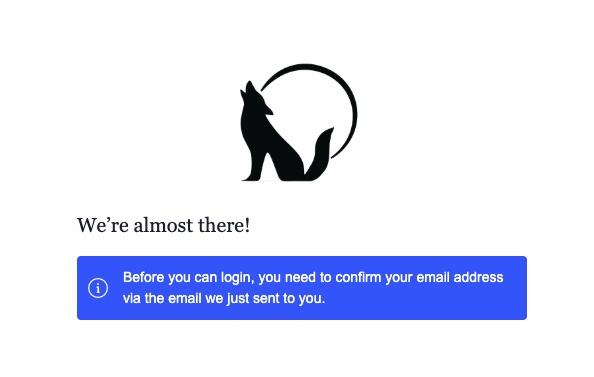
If you do not see the email within 5 minutes, check your Spam or Junk folder
The Admin Office cannot approve your account unless this step is completed, so please be sure to activate your account. We can see when activation emails have been sent to you successfully so be sure to check your junk and spam before reaching out.
Step 4. Approval review
After activation, the Admin Office will check that you are a current property owner
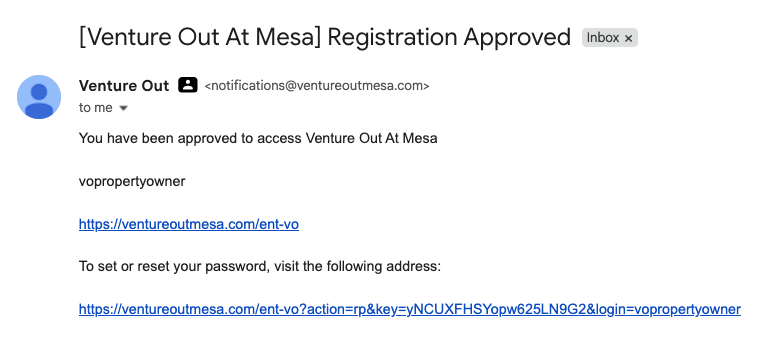
You will receive an email letting you know if you are approved or not approved
Step 4. Log in – Once approved, log in and you’re all set
The email you will get in 1-2 business days after the VO Admin Office has verified that you are a current property owner
If you need help while registering, live chat support is available and happy to walk you through the process.
A quick note: If you already created an account but can’t get in because you used a wrong email or a forgotten password, a new account won’t be issued. Just reach out to the Admin Office and they’ll help fix your existing account.
Live Chat Support From Jan. 19, 2026 – Feb 01, 2026, live chat support will be available to help guide you through the website registration process. While they may not be able to approve all accounts, they’re happy to walk you through each step. Look for the blue chat bubble in the bottom right corner of any ventureoutmesa.com page. If you don’t hear back right away, no need to fret, their reply will come to the email you provide when you start the chat. This is real, human-based support (not AI).
Above is what the Live Chat icon looks like.
Report
There was a problem reporting this post.
Block Member?
Please confirm you want to block this member.
You will no longer be able to:
See blocked member's posts
Mention this member in posts
Invite this member to groups
Message this member
Add this member as a connection
Please note:
This action will also remove this member from your connections and send a report to the site admin.
Please allow a few minutes for this process to complete.